HTML / CSS / JS

スクロール
 2026/02/26
 2026/2/17
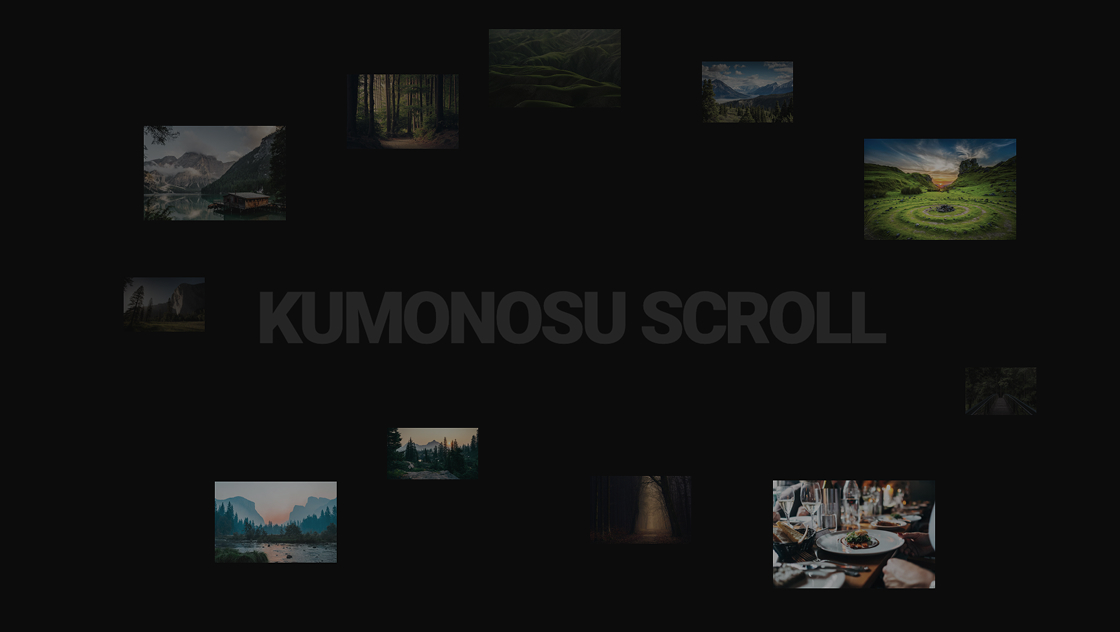
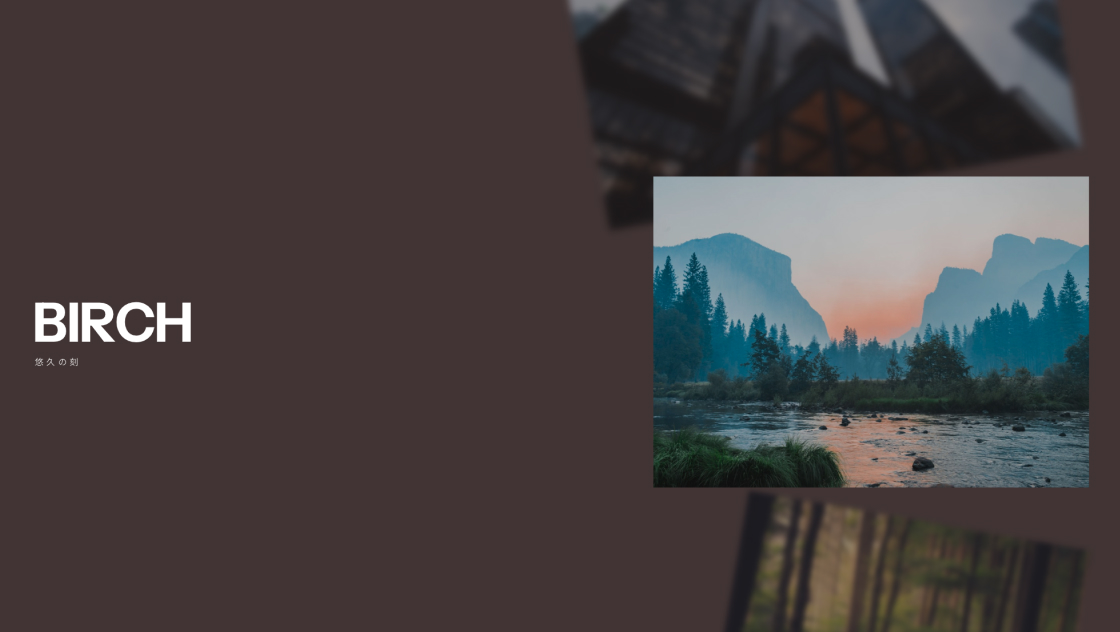
スクロールするだけで、写真もタイトルも気持ちよく切り替わる。
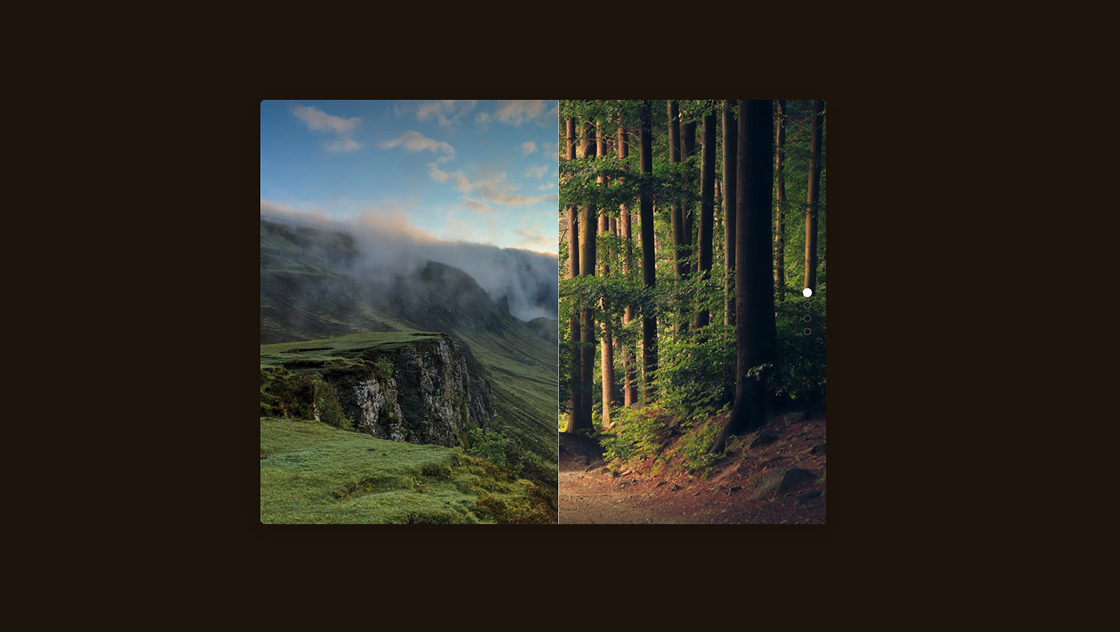
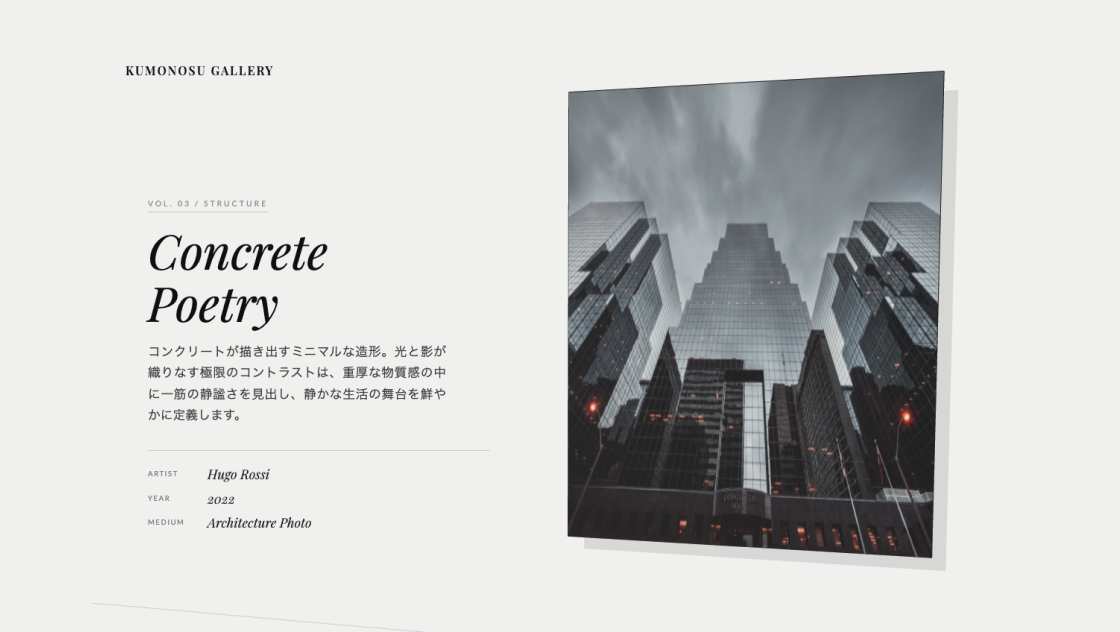
このスライダーは、重なった写真を奥行きのある動きで入れ替えつつ、英字タイトルと日本語サブタイトルを文字単位でアニメーションさせます。
操作のたびに背景色も変わるので、1枚ごとに“シーン”が変わるような見せ方ができます。
<section class="kumonosu-slider">
	<div class="kumonosu-header"></div>
	<div class="kumonosu-body">
		<div class="kumonosu-left">
			<h2 class="kumonosu-title" aria-live="polite"></h2>
		</div>
		<div class="kumonosu-right">
			<div class="kumonosu-images"></div>
		</div>
	</div>
</section>@import url("https://fonts.googleapis.com/css2?family=Instrument+Sans:wght@700&family=Noto+Sans+JP:wght@400;700&display=swap");
*,
*::before,
*::after {
margin: 0;
padding: 0;
box-sizing: border-box;
}
html,
body {
height: 100%;
overflow: hidden;
background-color: #000;
}
body {
font-family: "Instrument Sans", "Noto Sans JP", sans-serif;
-webkit-font-smoothing: antialiased;
cursor: default;
}
.kumonosu-slider {
width: 100%;
height: 100vh;
height: 100dvh;
overflow: hidden;
display: flex;
flex-direction: column;
transition: background-color 0.8s ease;
}
.kumonosu-header {
height: 60px;
flex-shrink: 0;
z-index: 10;
}
/* --- モバイルレイアウト (700px未満) --- */
.kumonosu-body {
flex: 1;
display: flex;
flex-direction: column;
padding: 0 20px 40px;
min-height: 0;
position: relative;
}
.kumonosu-left {
position: absolute;
top: 50%;
left: 50%;
transform: translate(-50%, -50%);
width: 90%;
z-index: 5;
pointer-events: none;
text-align: center;
display: flex;
flex-direction: column;
justify-content: center;
}
.kumonosu-title {
position: relative;
overflow: hidden;
filter: drop-shadow(0 4px 8px rgba(0, 0, 0, 0.4));
}
.kumonosu-title-main {
font-size: clamp(24px, 7vw, 50px);
font-weight: 700;
color: #fff;
line-height: 0.95;
letter-spacing: -0.02em;
display: block;
}
.kumonosu-title-sub {
font-family: "Noto Sans JP", sans-serif;
font-size: clamp(10px, 1.5vw, 13px);
font-weight: 400;
color: rgba(255, 255, 255, 0.9);
letter-spacing: 0.35em;
text-transform: uppercase;
display: block;
margin-top: 10px;
}
.kumonosu-title span {
display: inline-block;
will-change: transform;
}
.kumonosu-right {
position: absolute;
top: 0;
left: 0;
width: 100%;
height: 100%;
display: flex;
align-items: center;
justify-content: center;
z-index: 1;
}
.kumonosu-images {
width: 100%;
height: 100%;
position: relative;
}
.kumonosu-slide {
position: absolute;
top: 50%;
left: 50%;
/* ★画像の縮小割合を減らす調整★ */
width: 92%;
min-width: 280px;
/* 極端に小さくなるのを防ぐ */
max-width: 650px;
aspect-ratio: 1.4;
overflow: hidden;
will-change: transform, filter, opacity;
contain: layout style;
}
.kumonosu-slide img {
width: 100%;
height: 100%;
object-fit: cover;
filter: brightness(0.6);
}
/* --- デスクトップレイアウト (700px以上) --- */
@media screen and (min-width: 700px) {
.kumonosu-body {
flex-direction: row;
padding: 0;
align-items: stretch;
}
.kumonosu-left {
position: relative;
top: auto;
left: auto;
transform: none;
width: 50%;
flex-shrink: 0;
text-align: left;
padding-left: 56px;
z-index: 4;
}
.kumonosu-title {
margin-top: auto;
margin-bottom: auto;
filter: none;
}
.kumonosu-title-main {
font-size: clamp(32px, 5.5vw, 95px);
}
.kumonosu-title-sub {
margin-left: 4px;
font-size: clamp(10px, 0.9vw, 15px);
color: rgba(255, 255, 255, 0.8);
margin-top: 12px;
}
.kumonosu-right {
position: static;
flex: 1;
pointer-events: auto;
}
.kumonosu-slide {
/* ★デスクトップ時も縮小しすぎないように min-width を設定★ */
width: 75%;
min-width: 480px;
max-width: none;
}
.kumonosu-slide img {
filter: brightness(0.8);
}
}
@media screen and (min-width: 1200px) {
.kumonosu-body {
padding: 0 56px 56px;
}
}
@media (prefers-reduced-motion: reduce) {
.kumonosu-slide,
.kumonosu-title span {
will-change: auto;
}
}const throttle = (callback, limit) => {
let waiting = false;
return function() {
if (!waiting) {
callback.apply(this, arguments);
waiting = true;
setTimeout(() => {
waiting = false;
}, limit);
}
};
};
const debounce = (func, wait) => {
let timeout;
return function() {
clearTimeout(timeout);
timeout = setTimeout(() => func.apply(this, arguments), wait);
};
};
const SLIDES = [{
en: "FJORD",
jp: "朝霧の森",
color: "#2D3E33",
image: "https://images.unsplash.com/photo-1441974231531-c6227db76b6e?w=1200&q=80"
}, {
en: "AETHER",
jp: "静謐な湖畔",
color: "#3E4A59",
image: "https://images.unsplash.com/photo-1501785888041-af3ef285b470?w=1200&q=80"
}, {
en: "ONYX",
jp: "光の建築",
color: "#424852",
image: "https://images.unsplash.com/photo-1486406146926-c627a92ad1ab?w=1200&q=80"
}, {
en: "BIRCH",
jp: "悠久の刻",
color: "#4A3B3B",
image: "https://images.unsplash.com/photo-1506744038136-46273834b3fb?w=1200&q=80"
}];
const AUTOPLAY_DELAY = 5000;
class Slider {
constructor() {
this.current = 0;
this.animating = false;
this.total = SLIDES.length;
this.el = document.querySelector(".kumonosu-slider");
this.titleEl = document.querySelector(".kumonosu-title");
this.imagesEl = document.querySelector(".kumonosu-images");
this.slideEls = [];
this.currentLine = null;
this.autoPlayId = null;
this.reducedMotion = window.matchMedia("(prefers-reduced-motion: reduce)").matches;
this.init();
}
init() {
this.preload();
this.createTitleElement(this.current, true);
gsap.set(this.el, {
backgroundColor: SLIDES[0].color
});
this.buildCarousel();
this.bind();
this.startAutoPlay();
}
preload() {
SLIDES.forEach(s => {
new Image().src = s.image;
});
}
mod(n) {
return ((n % this.total) + this.total) % this.total;
}
startAutoPlay() {
this.stopAutoPlay();
this.autoPlayId = setInterval(() => {
if (!this.animating) this.go("next");
}, AUTOPLAY_DELAY);
}
stopAutoPlay() {
if (this.autoPlayId) {
clearInterval(this.autoPlayId);
this.autoPlayId = null;
}
}
createTitleElement(idx, setInitial = false) {
const line = document.createElement("div");
line.className = "kumonosu-title-line";
const main = document.createElement("div");
main.className = "kumonosu-title-main";
[...SLIDES[idx].en].forEach(ch => {
const span = document.createElement("span");
span.textContent = ch === " " ? "\u00A0" : ch;
main.appendChild(span);
});
const sub = document.createElement("div");
sub.className = "kumonosu-title-sub";
[...SLIDES[idx].jp].forEach(ch => {
const span = document.createElement("span");
span.textContent = ch === " " ? "\u00A0" : ch;
sub.appendChild(span);
});
line.appendChild(main);
line.appendChild(sub);
if (setInitial) {
this.titleEl.appendChild(line);
this.currentLine = line;
}
return line;
}
animateTitle(nextIdx, direction) {
const h = this.titleEl.offsetHeight || 100;
const dir = direction === "next" ? 1 : -1;
const oldLine = this.currentLine;
const oldChars = [...oldLine.querySelectorAll("span")];
const newLine = this.createTitleElement(nextIdx);
newLine.style.cssText = "position:absolute;top:0;left:0;width:100%";
this.titleEl.appendChild(newLine);
const newChars = [...newLine.querySelectorAll("span")];
gsap.set(newChars, {
y: h * dir
});
const tl = gsap.timeline({
onComplete: () => {
oldLine.remove();
newLine.style.cssText = "";
gsap.set(newChars, {
clearProps: "all"
});
this.currentLine = newLine;
}
});
const duration = this.reducedMotion ? 0.01 : 1.2;
const stagger = this.reducedMotion ? 0 : 0.03;
tl.to(oldChars, {
y: -h * dir,
stagger,
duration,
ease: "expo.inOut"
}, 0);
tl.to(newChars, {
y: 0,
stagger,
duration,
ease: "expo.inOut"
}, 0);
return tl;
}
makeSlide(idx) {
const div = document.createElement("div");
div.className = "kumonosu-slide";
const img = document.createElement("img");
img.src = SLIDES[idx].image;
img.alt = SLIDES[idx].en;
div.appendChild(img);
return div;
}
getSlideProps(step) {
const h = this.imagesEl.offsetHeight;
const absStep = Math.abs(step);
const positions = [{
x: -0.15,
y: -0.85,
rot: -20,
s: 1.3,
b: 15,
o: 0
}, {
x: -0.08,
y: -0.45,
rot: -10,
s: 1.1,
b: 6,
o: 0.6
}, {
x: 0,
y: 0,
rot: 0,
s: 1,
b: 0,
o: 1
}, {
x: 0.04,
y: 0.45,
rot: 10,
s: 0.8,
b: 6,
o: 0.6
}, {
x: 0.08,
y: 0.85,
rot: 20,
s: 0.6,
b: 15,
o: 0
}];
const idx = Math.max(0, Math.min(4, step + 2));
const p = positions[idx];
return {
x: p.x * h,
y: p.y * h,
rotation: p.rot,
scale: p.s,
blur: p.b,
opacity: p.o,
zIndex: absStep === 0 ? 3 : absStep === 1 ? 2 : 1
};
}
positionSlide(slide, step) {
const props = this.getSlideProps(step);
gsap.set(slide, {
xPercent: -50,
yPercent: -50,
x: props.x,
y: props.y,
rotation: props.rotation,
scale: props.scale,
opacity: props.opacity,
filter: `blur(${props.blur}px)`,
zIndex: props.zIndex
});
}
buildCarousel() {
if (!this.imagesEl || this.imagesEl.offsetHeight === 0) return;
this.imagesEl.innerHTML = "";
this.slideEls = [];
for (let step = -1; step <= 1; step++) {
const idx = this.mod(this.current + step);
const slide = this.makeSlide(idx);
this.imagesEl.appendChild(slide);
this.positionSlide(slide, step);
this.slideEls.push({
el: slide,
step
});
}
}
animateCarousel(direction) {
const shift = direction === "next" ? -1 : 1;
const enterStep = direction === "next" ? 2 : -2;
const newIdx = direction === "next" ? this.mod(this.current + 2) : this.mod(this.current - 2);
const newSlide = this.makeSlide(newIdx);
this.imagesEl.appendChild(newSlide);
this.positionSlide(newSlide, enterStep);
this.slideEls.push({
el: newSlide,
step: enterStep
});
this.slideEls.forEach(s => {
s.step += shift;
});
const tl = gsap.timeline({
onComplete: () => {
this.slideEls = this.slideEls.filter(s => {
if (Math.abs(s.step) >= 2) {
s.el.remove();
return false;
}
return true;
});
}
});
const duration = this.reducedMotion ? 0.01 : 1.4;
this.slideEls.forEach(s => {
const props = this.getSlideProps(s.step);
s.el.style.zIndex = props.zIndex;
tl.to(s.el, {
x: props.x,
y: props.y,
rotation: props.rotation,
scale: props.scale,
opacity: props.opacity,
filter: `blur(${props.blur}px)`,
duration,
ease: "expo.inOut"
}, 0);
});
return tl;
}
go(direction) {
if (this.animating) return;
this.animating = true;
this.startAutoPlay();
const nextIdx = direction === "next" ? this.mod(this.current + 1) : this.mod(this.current - 1);
const master = gsap.timeline({
onComplete: () => {
this.current = nextIdx;
this.animating = false;
}
});
master.to(this.el, {
backgroundColor: SLIDES[nextIdx].color,
duration: this.reducedMotion ? 0.01 : 1.4,
ease: "power2.inOut"
}, 0);
master.add(this.animateTitle(nextIdx, direction), 0);
master.add(this.animateCarousel(direction), 0);
}
bind() {
window.addEventListener("wheel", throttle((e) => {
if (Math.abs(e.deltaY) < 10) return;
if (!this.animating) this.go(e.deltaY > 0 ? "next" : "prev");
}, 1500), {
passive: true
});
let touchStartY = 0;
window.addEventListener("touchstart", (e) => {
touchStartY = e.touches[0].clientY;
}, {
passive: true
});
window.addEventListener("touchend", throttle((e) => {
const diff = touchStartY - e.changedTouches[0].clientY;
if (!this.animating && Math.abs(diff) > 40) this.go(diff > 0 ? "next" : "prev");
}, 1500), {
passive: true
});
window.addEventListener("keydown", (e) => {
if (this.animating) return;
if (["ArrowDown", "ArrowRight"].includes(e.key)) this.go("next");
if (["ArrowUp", "ArrowLeft"].includes(e.key)) this.go("prev");
});
window.addEventListener("resize", debounce(() => {
if (!this.animating) {
this.slideEls.forEach(s => this.positionSlide(s.el, s.step));
}
}, 200));
document.addEventListener("visibilitychange", () => {
document.visibilityState === "hidden" ? this.stopAutoPlay() : this.startAutoPlay();
});
}
}
document.addEventListener("DOMContentLoaded", () => {
new Slider();
});https://unpkg.com/gsap@3/dist/gsap.min.js操作はスクロール(モバイルはスワイプ)、キーボードにも対応しています。
スクロール量をそのままページ移動に使うのではなく、「次へ/前へ」の切り替えトリガーとして扱い、一定間隔でスライドを送る設計です。連続入力で暴れないよう、スロットルで受付間隔を制御しています。
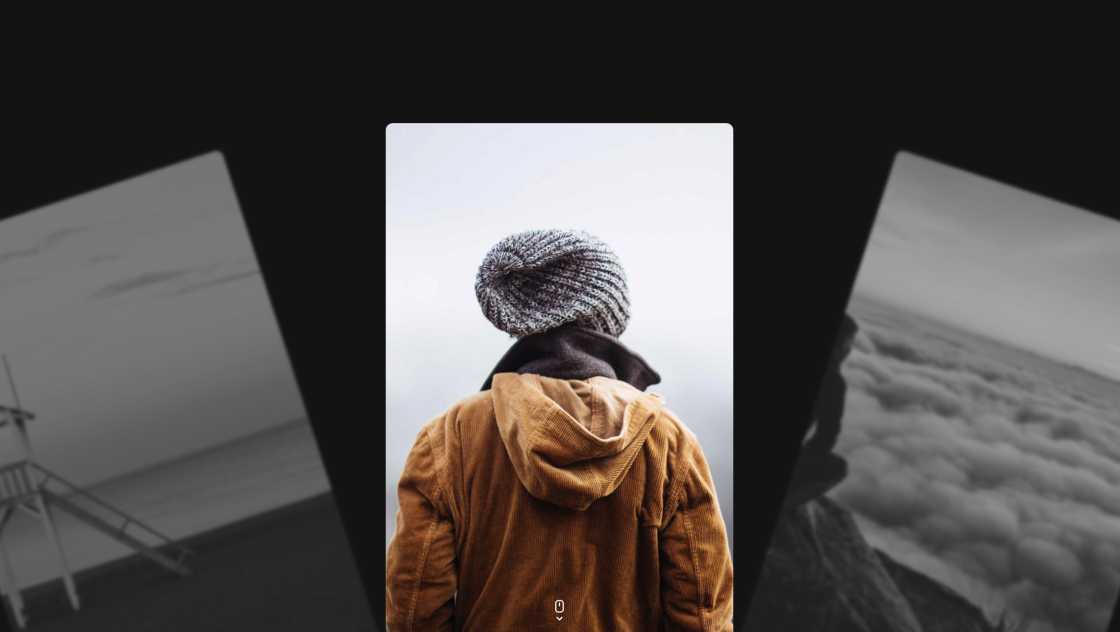
見た目は、写真を1枚ずつ切り替えるのではなく、複数枚を重ねて配置しておき、中心の1枚を主役に、前後の写真を回転・縮小・ぼかし・透明度で“層”として見せます。
切り替え時は、その層の役割が入れ替わるように各要素を同時にアニメーションさせます。
タイトルは英字と日本語の2段構成で、文字をspanに分解してから上下にスライドさせています。文字単位で遅延(stagger)を付けているため、ただのフェードよりもリズムが出ます。
背景色もスライドに合わせてトランジションし、画面全体の印象を統一して切り替えます。
中身の差し替えはSLIDESだけで完結します。写真・タイトル・背景色がセットなので、雰囲気を作りやすい構成です。
動きのおしゃれさは、画像の配置プリセットとイージングで決まるので、まずはそこから触るのがおすすめです。
SLIDES(en / jp / color / image)AUTOPLAY_DELAYanimateTitle()のduration / stagger / easegetSlideProps()のpositions(rot / scale / blur / opacity)throttle(..., 1500)(速くすると連続切り替えが軽くなります)このサンプルはhtml, body { overflow: hidden; }なので、ページ全体を通常スクロールする用途には向きません。
ヒーローやLPの“1画面スライダー”として使うのが前提です。埋め込みたい場合は、スクロール操作とページスクロールがぶつからない設計に調整してください。
また、画像はプリロードしていますが通信状況によっては初回だけ読み込みが見えることがあります。確実に見せたい場合は、ロード完了後に開始する・ローディング表示を挟むなどの対応が安心です。
prefers-reduced-motionではアニメを極端に短くして配慮しています